Managing AI Tools at Work: A Practical Guide to Tracking ChatGPT, Claude, Midjourney and the Rest
AI tools entered the workplace differently from every software category before them.
Nobody ran a procurement process. Nobody compared vendors in a committee. Individual employees signed up for ChatGPT, Claude, Midjourney, Perplexity, Copilot or a niche transcription tool, paid with a personal or company card, and started working faster the same afternoon.
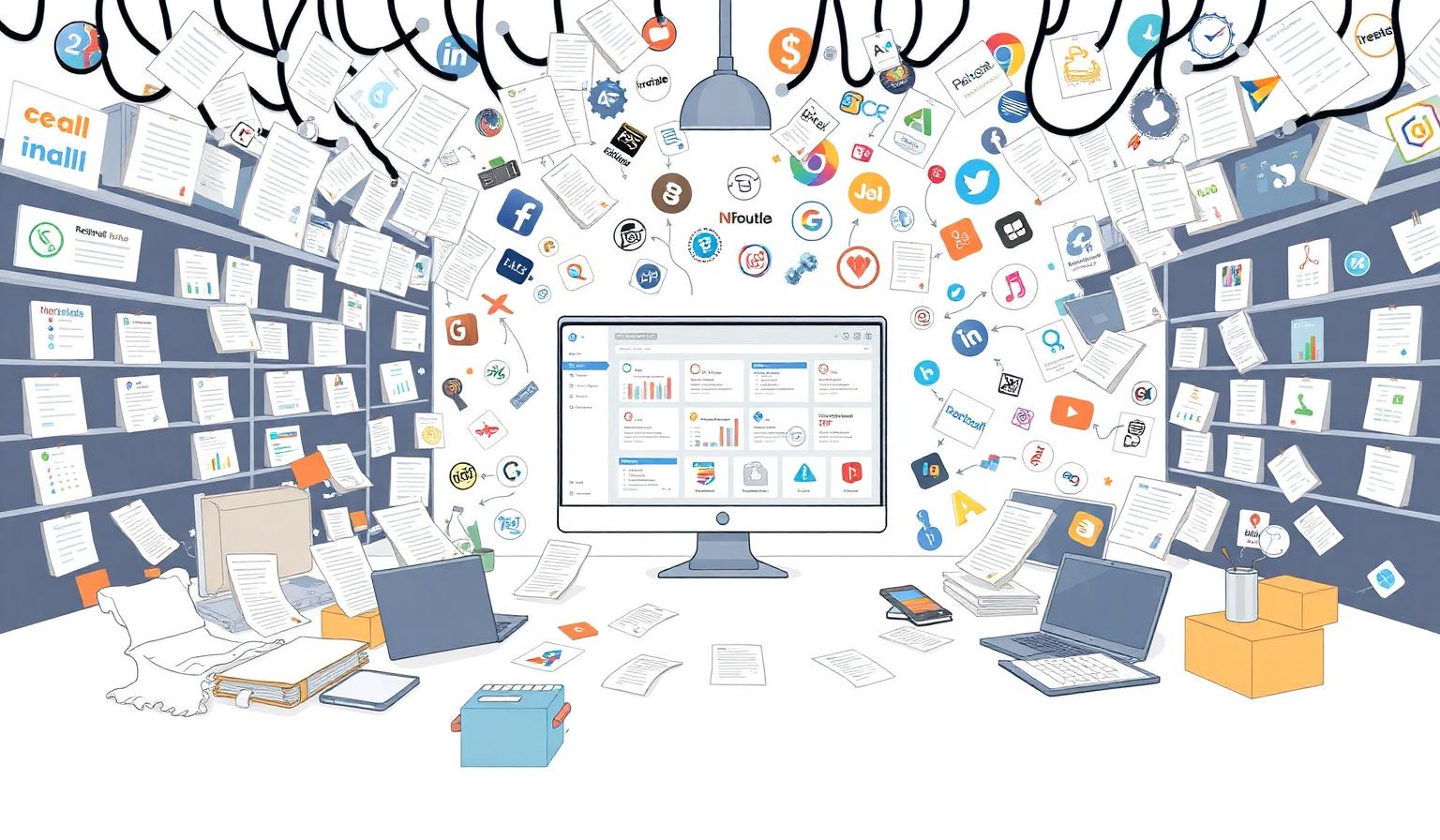
That speed is genuinely valuable. The problem is what it leaves behind: a growing set of subscriptions nobody has written down.
Why AI subscriptions are harder to track than normal software
Traditional business software arrives through a purchase decision. AI tools arrive through curiosity.
- They are cheap enough to slip under approval thresholds — often $10 to $30 per person, per month.
- They are bought per seat, so one tool can appear five times across five departments.
- They change plans constantly, moving from free to Plus to Team to Enterprise within months.
- They are often paid on personal cards and expensed, so finance sees a line item, not a subscription.
- They handle company data, which makes an unknown account a security question, not just a cost question.
The result is an AI footprint that is larger, more fragmented and less documented than the rest of the software stack.
Step 1 — Find what you already have
Before any policy, build an inventory. Three sources usually surface almost everything:
- Card and expense data. Search statements and expense reports for the well-known vendor names, then for anything charged monthly under $50.
- Ask the team directly. A single short question — 'which AI tools do you use for work?' — usually reveals more than an audit.
- Login and identity records. If people sign in with a company Google or Microsoft account, the list of authorized apps is a reliable map.
Write every result in one place, even if the first pass is incomplete. An imperfect list you can update beats a perfect list nobody maintains.
Step 2 — Give every AI tool an owner
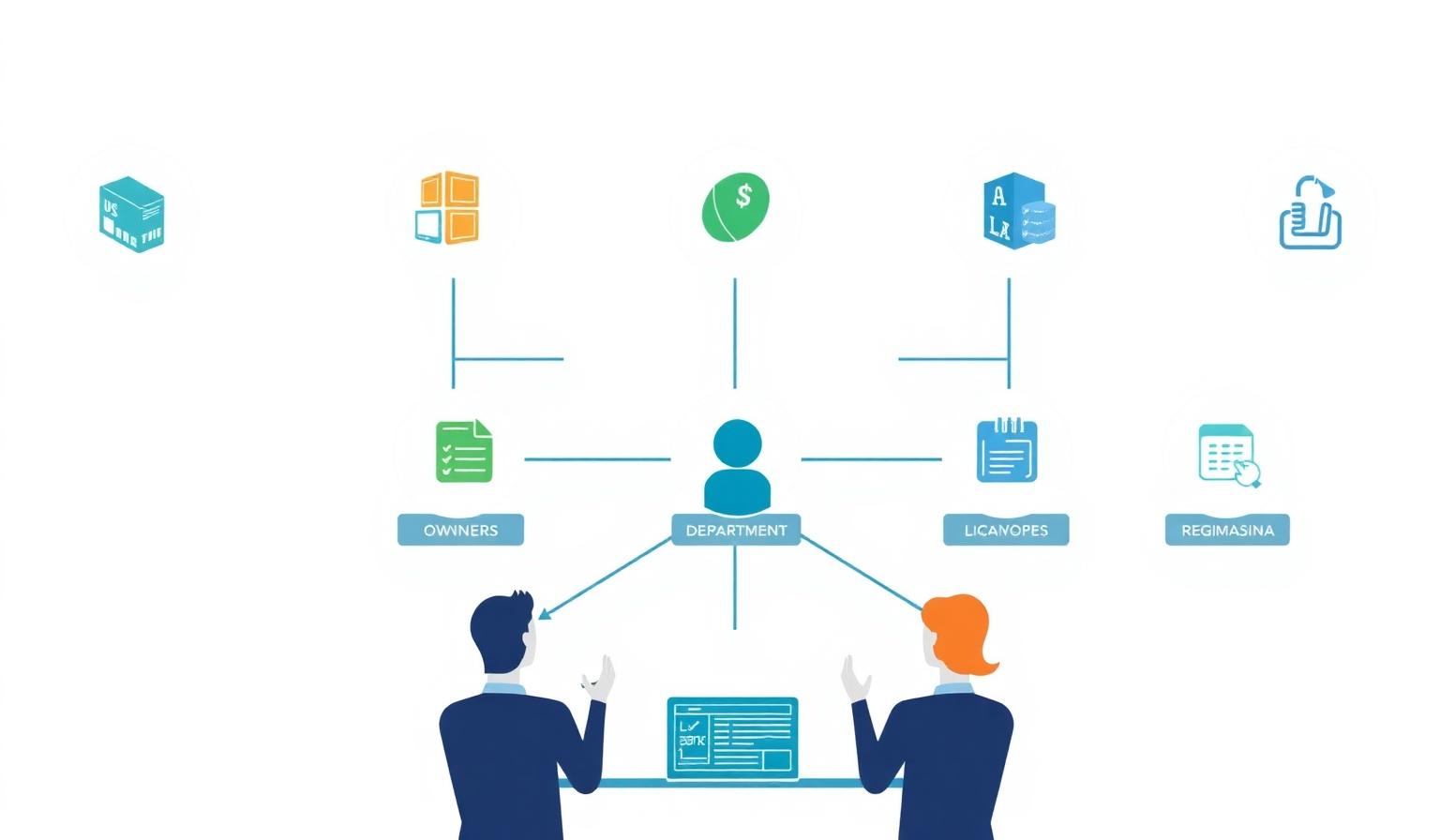
An owner is not the heaviest user. The owner is the person accountable for the subscription: the plan, the renewal, the seats and the offboarding.
Without an owner, an AI tool quietly becomes everyone's tool and no one's responsibility — which is exactly how a team keeps paying for a Midjourney seat six months after the designer left.
For each tool, record the owner, the department that uses it, the billing contact and who to contact when access needs to change.
Step 3 — Track cost per seat, not just cost per tool
AI spend is deceptive because each individual charge looks trivial.
Twelve people on a $20 plan is $2,880 a year for one tool. Four AI tools with overlapping capabilities across three departments quickly becomes a five-figure annual line that never appeared in a budget.
Track the monthly price, the number of seats, the renewal date and the currency. Once those four fields exist for every tool, the real number becomes visible — and usually surprising.
Step 4 — Look for overlap before you buy anything new
Most AI tools do several jobs. That overlap is where the easiest savings live.
- Writing and summarizing: ChatGPT, Claude, Gemini and Copilot all cover it.
- Image generation: Midjourney, DALL·E inside ChatGPT, and Adobe Firefly inside an existing Creative Cloud plan.
- Research: Perplexity, plus browsing in the general assistants.
- Meeting notes: a dedicated notetaker, and often the same feature already bundled in your video platform.
Before approving a new AI subscription, check whether a tool you already pay for covers eighty percent of the need.
Step 5 — Set access and offboarding rules
AI accounts hold prompts, documents, customer details and source code. When someone leaves, an unclosed AI account is an open door to whatever they pasted into it.
Three rules cover most of the risk:
- Company accounts only. Work data belongs in a subscription the company controls, not a personal login.
- Team or business plans where they exist. They usually add centralized seat management and keep your data out of model training by default.
- Offboarding includes AI tools. Add every AI subscription to the leaver checklist alongside email and the CRM.
Step 6 — Review quarterly
The AI market changes faster than any review cycle you have run before. A quarterly pass is enough:
- Which tools were not used at all last quarter?
- Where are seats assigned to people who no longer need them?
- Which two tools now do the same job?
- Which renewals land in the next ninety days?
Cancelling two unused seats a quarter pays for the review several times over.
Making it manageable
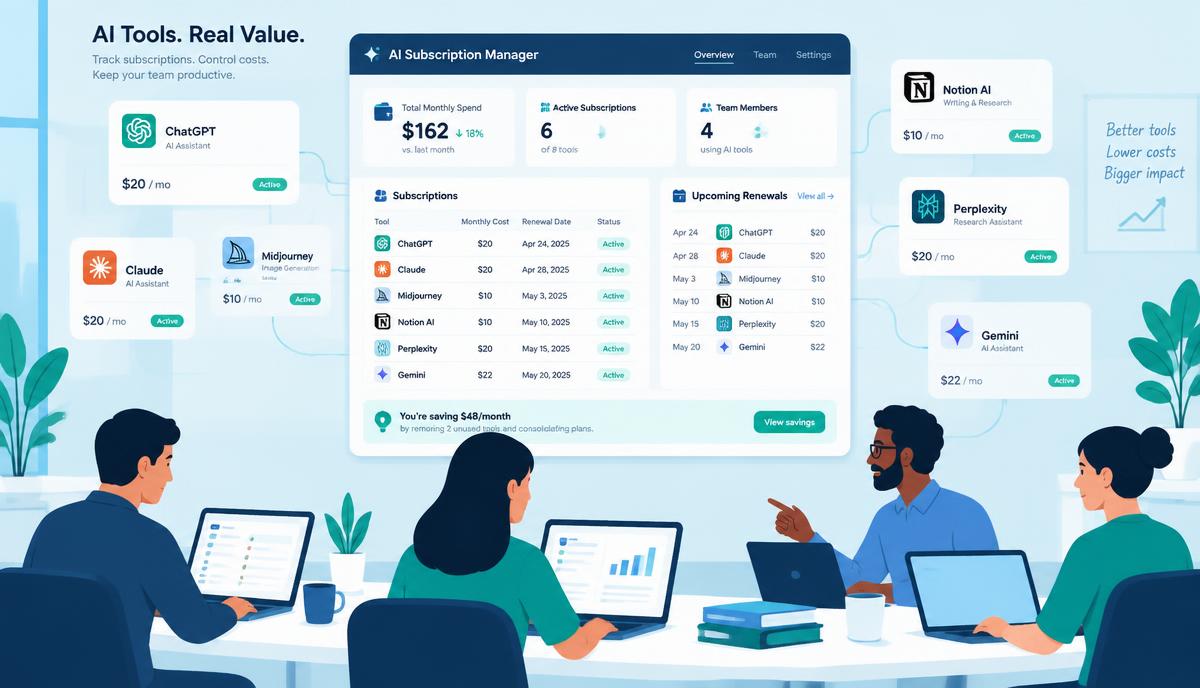
None of this requires an enterprise procurement platform. It requires one place where the AI tools live next to the rest of your software, with an owner, a cost, a seat count and a renewal date attached to each one.
That is exactly what Digihood is built for: every tool, owner, licence, cost and renewal in a single workspace, so AI subscriptions stay an advantage instead of becoming an invisible expense.
The teams that get the most from AI are not the ones that use the most tools. They are the ones that know which tools they have.